A smart tea brewer has a heating element, a temperature sensor, a circuit board and a Wi-Fi radio built into a base that sits next to a source of water. Knowing how to clean a smart tea brewer means cleaning the parts that touch tea thoroughly while keeping water away from the parts that must stay dry. This guide covers a daily, weekly and monthly routine, plus the habits that shorten a brewer’s life.
Why does a smart tea brewer need different care?
A plain kettle has a switch and an element. If scale builds up, it boils more slowly and tastes a little flat. A smart brewer depends on accurate readings. It heats to a target temperature, holds it, and often tracks water level, steep time and brew history through an app.
Each of those features is a place where ordinary neglect causes a specific problem:
- Scale on the element: Mineral deposits insulate the heating surface, so the brewer takes longer to heat and works harder to hold a temperature.
- Scale on the sensor: A coated temperature probe reads the deposit as much as the water, so your 80°C setting may not deliver 80°C.
- Moisture in the base: Water that reaches the connector, contacts or vents can cause errors or fail the electronics outright.
- Outdated firmware: Bugs in heating control or app pairing stay in place until you update.
Warranty is the other reason care matters. Most manufacturers void coverage for damage caused by the wrong cleaning products, submersion or opening the housing. Read the manual’s care section before you start, and where it differs from this guide, follow the manual.
What should you do after every brew?
The daily routine takes about two minutes. Its main job is keeping water and wet leaves from sitting in the brewer.
- Unplug or lift the vessel off the base. Do this before you handle anything wet.
- Remove the leaves. Tip spent leaves into compost or the bin, not the sink, where they can clog the drain.
- Pour out leftover water. Standing water is what leaves scale rings and a stale smell.
- Rinse the infuser and vessel with warm water. Tea left to dry leaves a tannin film that is harder to remove the next day.
- Wipe the base with a dry or barely damp cloth. Splashes and drips on the contact area should be wiped off straight away.
- Leave the lid open. The inside needs to air dry, or odors and mildew can develop in the gasket area.
If you brew several rounds in a session, as with gongfu-style steeping, do the leaf removal and rinse once at the end, but never leave the brewer switched on with an empty vessel between rounds.
How do you descale a smart tea brewer?
Descaling removes mineral buildup from the element and the sensor, which are the two parts that matter most to a smart brewer. How often you need to do it depends on your water. Hard water leaves visible white or grey deposits within weeks. Soft or filtered water can go much longer. If you can see scale, or the brewer heats more slowly than it used to, it is time.
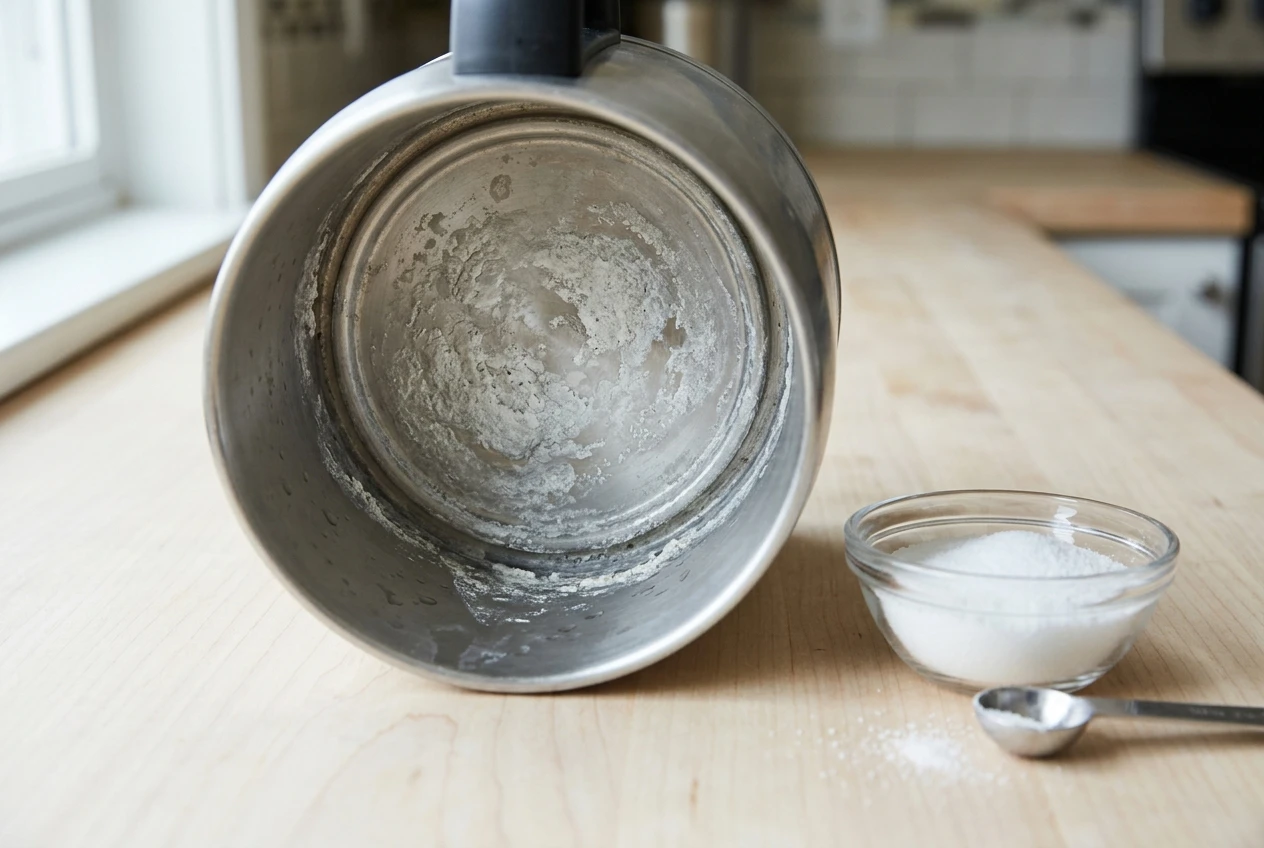
Start with the manual. Some brewers have a descale mode in the app or on the control panel, and some manufacturers specify which acid to use. If yours does, use that method.
If the manual allows a home descaler, the usual choices are:
- Citric acid: Dissolves scale effectively and rinses out easily. It leaves less smell than vinegar.
- White vinegar: Works, but the smell lingers and takes more rinsing to clear. Some manufacturers advise against it for certain materials, so check first.
- Manufacturer descaling product: The safest choice for the warranty, and it is formulated for the materials in your model.
The general method is the same for each:
- Empty the brewer and remove any tea, infuser or filter.
- Fill with water to the minimum level the manual allows, then add the descaler in the amount the manufacturer or product label gives.
- Run the descale cycle if there is one. Otherwise heat the solution as the manual directs and let it sit.
- Pour it out and rinse the vessel thoroughly.
- Fill with fresh water, boil it, and discard it. Repeat until there is no smell or taste of the descaler.
Never descale with tea inside, and never mix descalers. After descaling, brew a plain cup of hot water and taste it before putting tea in. Any leftover acid will show up in the flavor.
Using filtered or low-mineral water reduces how often you need to descale. It also means tea tastes cleaner, since minerals in the water affect flavor.
How do you clean the parts that touch tea?
The infuser, vessel interior, lid and spout are the parts that hold tea, so they pick up tannin staining and oils. Treat them gently, because scratches in stainless steel or glass collect residue faster.
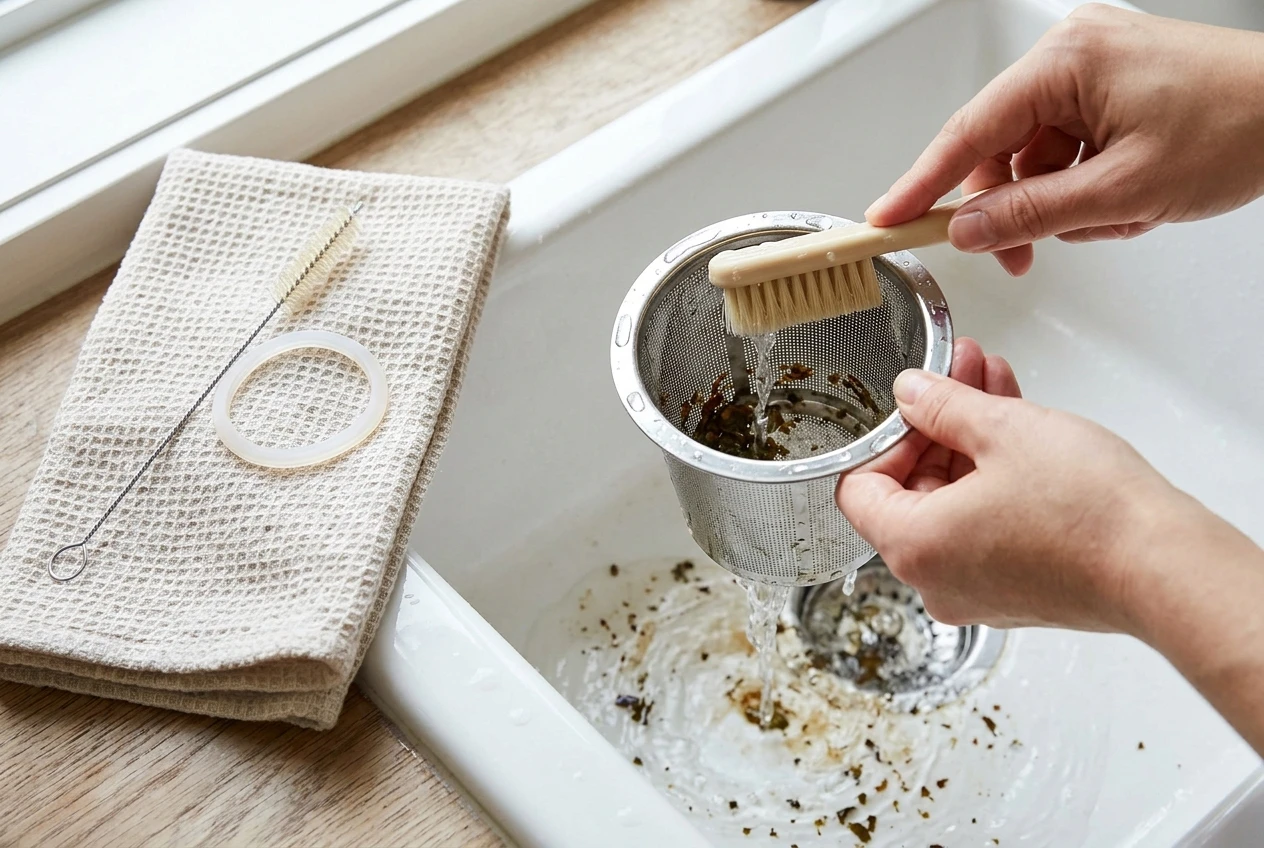
- Infuser basket: Rinse after every use. Once a week, scrub the mesh with a soft brush and mild, unscented dish soap. Fine mesh clogs with leaf dust, so check it against the light.
- Vessel interior: Use a soft sponge. For tea stains, a paste of baking soda and water on a cloth lifts them without scratching. Avoid steel wool and abrasive pads.
- Lid and gasket: Take out any removable silicone ring and wash it separately, then dry it fully before refitting. Trapped moisture here is the usual source of musty smells.
- Spout and filter: Clear any leaf fragments. A soft bottle brush or a toothbrush reaches narrow spouts.
- Glass parts: Hand wash even if the vessel looks robust. Thermal shock from hot water followed by a cold rinse is a common cause of cracking.
Only put parts in the dishwasher if the manual says they are dishwasher-safe. Heated drying cycles can warp plastic and degrade seals. Scented soaps can leave a taste in tea, so choose an unscented one and rinse well.
How do you look after sensors, the base and the app?
The electronics need less cleaning than the vessel, but they depend on being kept dry and kept current.
Sensors. The temperature probe is usually a small metal disc or pin at the bottom of the vessel. Wipe it with a soft cloth after descaling, and check that no scale or tea film covers it. A water-level sensor, where fitted, works the same way. If the brewer reads a temperature that seems wrong, compare it with a separate cooking thermometer in the same water before assuming the sensor has failed. Scale is the more common cause.
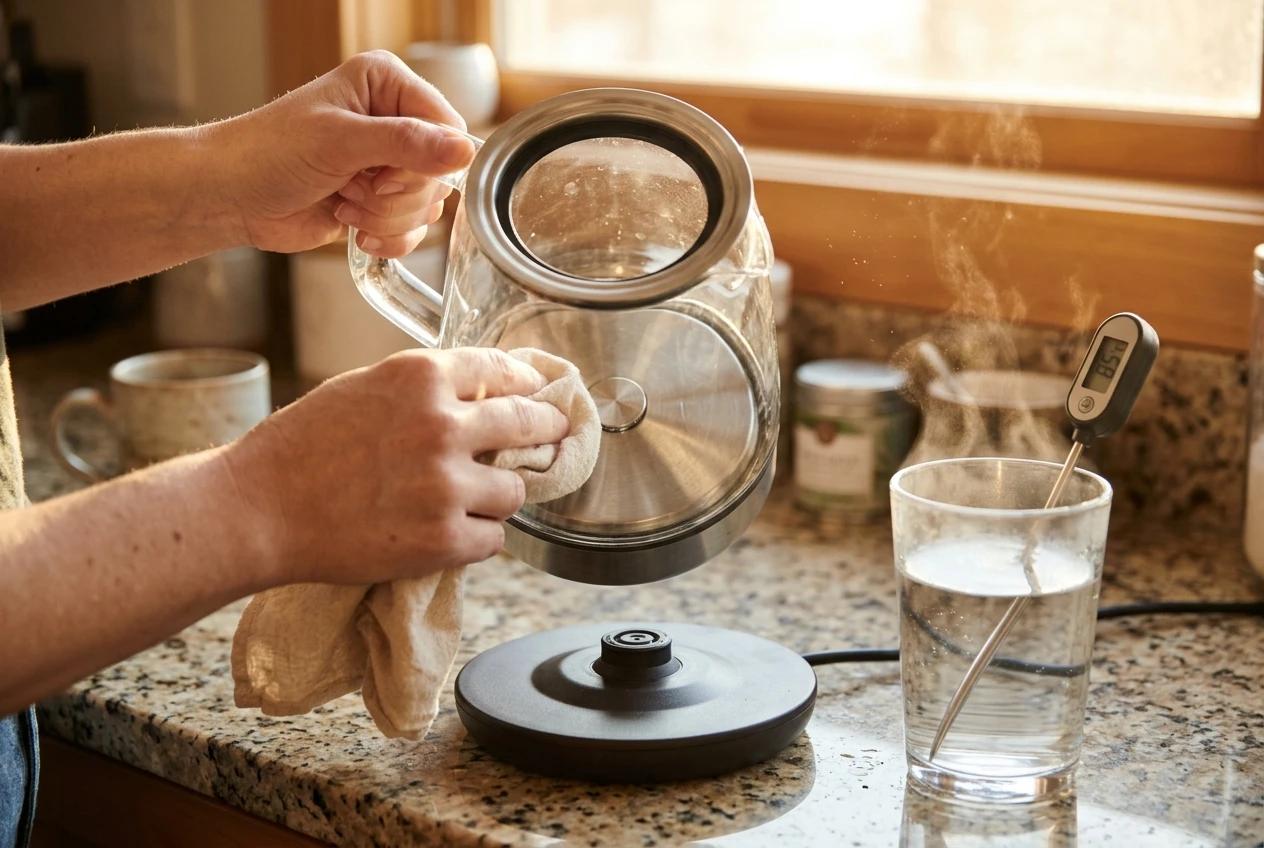
Base and connector. Unplug the base before cleaning. Wipe the top and contacts with a dry or lightly damp cloth, and never submerge it or run water over it. Keep the vents clear of dust and tea powder. If water gets into the base, unplug it, let it dry fully, and contact the manufacturer if it behaves oddly afterwards.
App and firmware. Firmware updates fix heating bugs, connection problems and security flaws, so install them when they are offered. A few habits help:
- Update on stable Wi-Fi: An interrupted update can leave a device unresponsive.
- Do not unplug during an update: Wait for it to finish, and do not start a brew meanwhile.
- Keep the app current: An old app on a new phone operating system can break pairing.
- Note your custom profiles: Write down your preferred temperatures and times in case a reset clears them.
- Check support before buying: Some brewers stop working properly if the maker discontinues the app, so look at how long the manufacturer has supported its products.
If you resell or give away a brewer, do a factory reset and remove it from your account first.
What damages a smart brewer fastest?
Most early failures come from a short list of avoidable habits:
- Dry heating: Switching the brewer on with little or no water can overheat the element and trip or damage the sensors. Always fill above the minimum mark.
- Skipping descaling: Heavy scale shortens element life and spoils sensor readings.
- Submerging the base: Water in the electronics is usually not covered by warranty.
- Abrasive scrubbing: Scratches trap tea residue and make the vessel harder to keep clean.
- Harsh chemicals: Bleach and strong cleaners can damage seals, plastics and metal finishes.
- Wrong liquids: Milk, sugar syrups or anything the manual does not approve can burn onto the element and are hard to remove.
- Opening the housing: Taking the base apart usually voids the warranty and can damage the board.
- Unsuitable power sources: Use the supplied cord and a stable outlet, and avoid cheap extension leads.
What is a simple maintenance schedule?
Match the schedule to how often you brew and how hard your water is. This is a sensible starting point.
Daily
- Empty and rinse: Pour out leftover water, remove leaves and rinse the infuser and vessel.
- Wipe the base: Remove splashes from the contacts and outer surface.
- Air dry: Leave the lid open.
Weekly
- Deep clean the infuser: Scrub the mesh with a soft brush and mild soap.
- Wash the lid and gasket: Remove, wash, dry and refit.
- Look for scale: Check the element, sensor and the bottom of the vessel for white or grey deposits.
- Check the app: Install any offered updates.
Monthly
- Descale: Do this monthly in hard water, or whenever you see buildup or heating slows. In soft or filtered water, follow the manual or the brewer’s own descale reminder.
- Clear the vents: Dust the base vents and check the power cord for damage.
- Test the temperature: Compare the brewer’s reading against a thermometer.
- Review settings: Make sure your saved profiles are still intact.
When should you repair or replace it?
Try cleaning first. A brewer that heats slowly, shows odd temperatures or has an off taste is often just scaled up, so descale it and test it again before concluding anything has failed.
Consider repair or replacement when:
- Readings stay wrong after descaling: The thermometer test still disagrees with the display.
- Errors persist: The same fault code returns after a reset and a firmware update.
- There is a leak or crack: Water leaking from the vessel or base is a safety issue, so stop using it.
- The app is no longer supported: The hardware works, but the features you bought it for do not.
- The base has taken on water: It behaves erratically or trips the outlet.
Check the warranty before anything else, and contact the manufacturer rather than opening the unit yourself. If a repair would cost close to a new brewer, or the model is no longer supported, replacing it makes more sense.
If you are ready to replace an old unit, the best smart tea brewers guide sorts the options by budget. If you are still working out what kind of brewer suits how you drink tea, the brewer-fit guide is the place to start.

Chris is the founder of Zen Tea Tools and a passionate explorer of traditional and modern tea brewing. From Gongfu sessions to smart tea technology, he shares practical insights to help others find clarity, calm, and better tea.Learn more about Chris →
Leave a Reply